هذا المحتوى غير متوفر بلغتك بعد.
Change a role
Section titled “Change a role”Use this when a job changes—for example a team needs an extra report—or when you want to tighten what a role can do without creating a new profile from scratch.
Open the role for editing
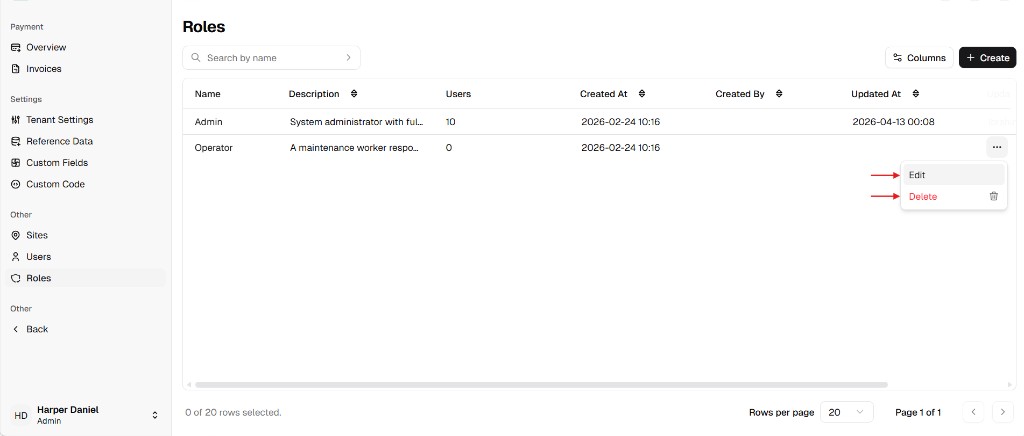
Section titled “Open the role for editing”- Go to Admin Portal → Other → Roles.
- Find the role in the table.
- On the right, open the ⋯ menu for that row and choose Edit.
Adjust details and permissions
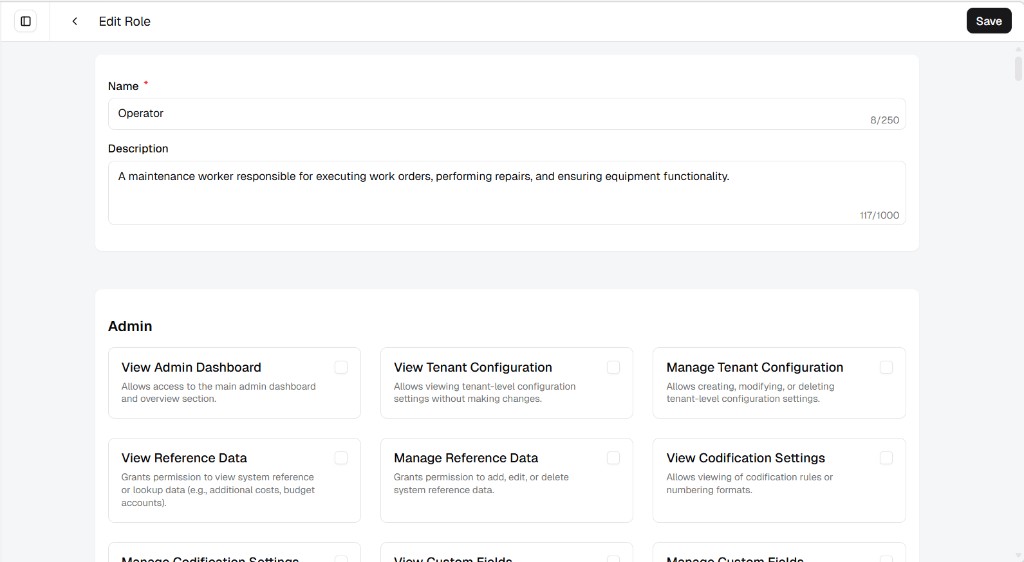
Section titled “Adjust details and permissions”The Edit Role page shows Name, Description, and the same permission groups as when the role was first set up. Update what you need, then click Save.
Anyone already assigned this role will pick up the new permission set the next time they use UniCMMS (according to your product’s sign-in behavior).